Put your QR code on everything
Your page doesn't have to live only online. A QR code turns any flyer, menu or sticker into a link.

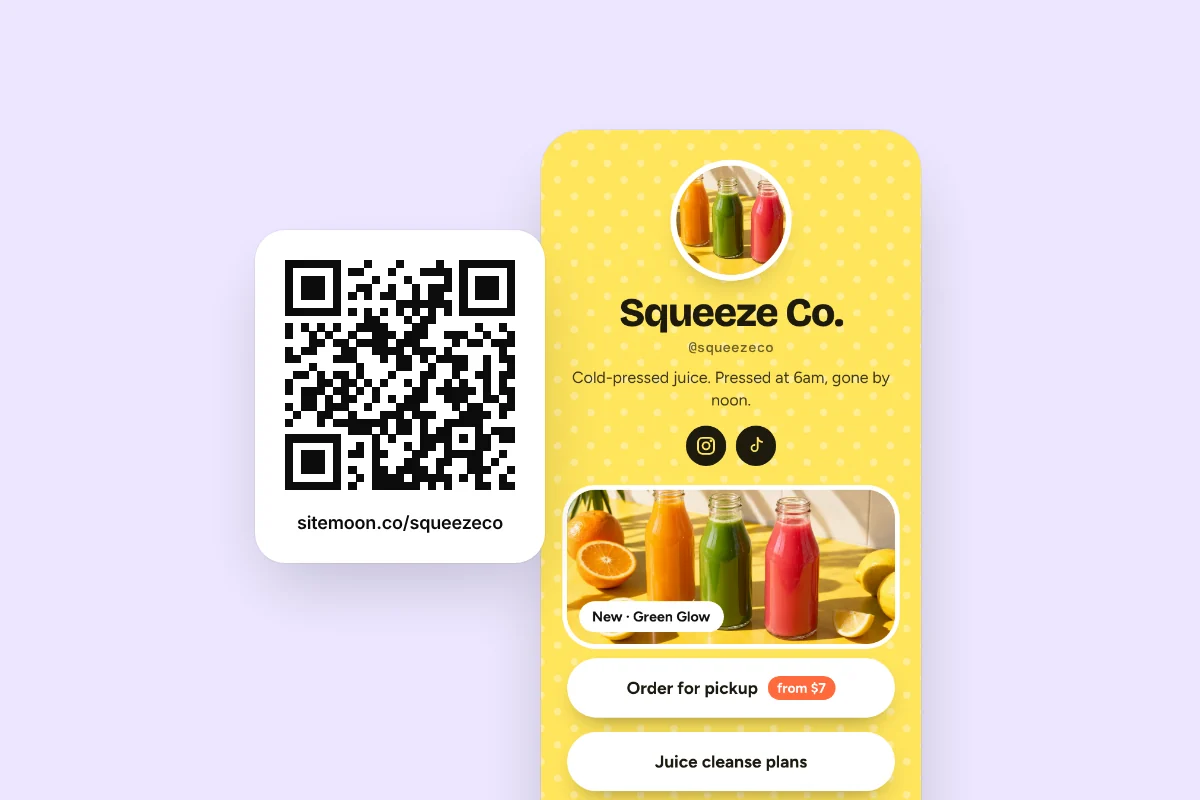
Every Sitemoon page comes with a QR code. Most people never use it. That's a shame, because it's one of the easiest ways to get new visitors, especially if you sell anything in person.
Where it works
- Market stalls and pop-ups: a small sign that says "Scan for prices and to order online".
- Business cards: one code instead of five links.
- Menus and table cards: for cafés, bars and food trucks.
- Merch and packaging: a sticker inside every order.
- Posters and flyers: gig posters, class timetables, open days.
- Your laptop or guitar case: seriously, people will scan it.
A QR code is a link you can stick on a wall.
Make it easy to scan
- Print it at least 2 cm (about 1 inch) across. Bigger if it's on a poster.
- Leave a white border around it. Codes need breathing room.
- Put it on a plain background, not over a busy photo.
- Test it with your own phone before you print 500 copies.
Tell people why to scan
A code on its own is easy to ignore. Add a short line next to it: "Scan for the menu", "Scan to book" or "Scan for my music". People scan when they know what they'll get.
Watch it in your stats
Visits from your QR code show up as their own source in your stats. That means you can tell if the flyers at the farmer's market actually worked, or if the table cards are getting scanned. Try putting codes in two places and compare.
It never goes stale
Your QR code points at your page, not a single link. Change your links as often as you like and the code keeps working. Print it once and you're done.
Getting your code
Open your page, tap the share menu and choose QR code. Download it as an image and drop it into whatever you're printing. That's all.
Try it on your page
Free, and ready in about a minute.