Link in bio for restaurants and cafés: what to put first
Hungry people want three things fast. Here's the order that gets them through the door.

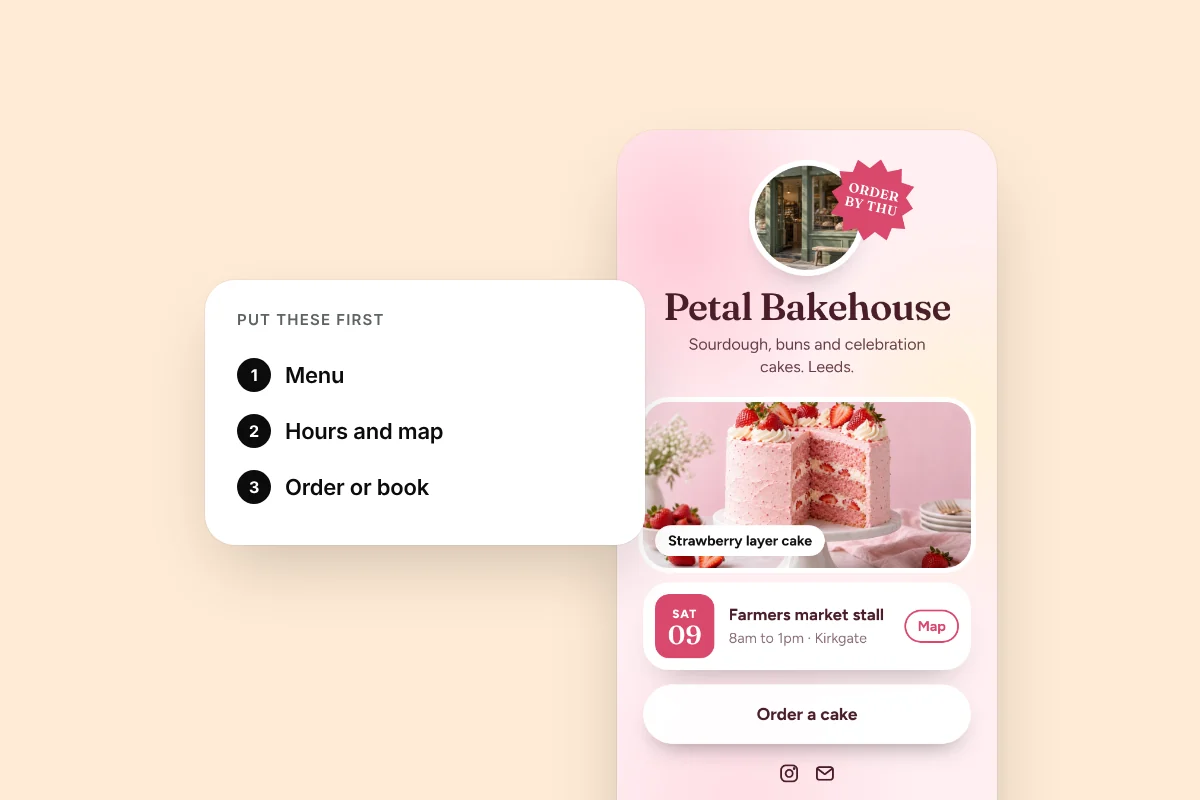
When someone taps the link on your café's Instagram, they're usually hungry, nearby and in a hurry. They have one of three questions. Are you open? Where are you? What's on the menu? Your page should answer all three before they scroll.
The order that works
- Order or book. If you take orders or reservations, this is your first button. It's the one that makes you money.
- Menu. A clear link to a menu that loads on a phone. Not a giant PDF if you can avoid it.
- Hours. Use a Schedule block so the hours are right on the page, not behind another link.
- Directions. A link straight to your map listing, so it opens in the person's maps app.
- Events or specials. Live music on Friday, a new seasonal menu, a pop-up.
Five things. That's enough for most places.
Hungry people don't browse. Put the thing they came for first.
Use your bio for the basics
Your bio can do a lot of the work: "Neighborhood bakery. Open 7 to 3, closed Mondays. 12 Hill Street." Now even someone who never taps a link knows when to come.
Photos sell food
A Gallery block with three or four great photos does more than any sentence. Shoot near a window, in daylight, from above or at a slight angle. Show the food people actually order.
Put your page on the table
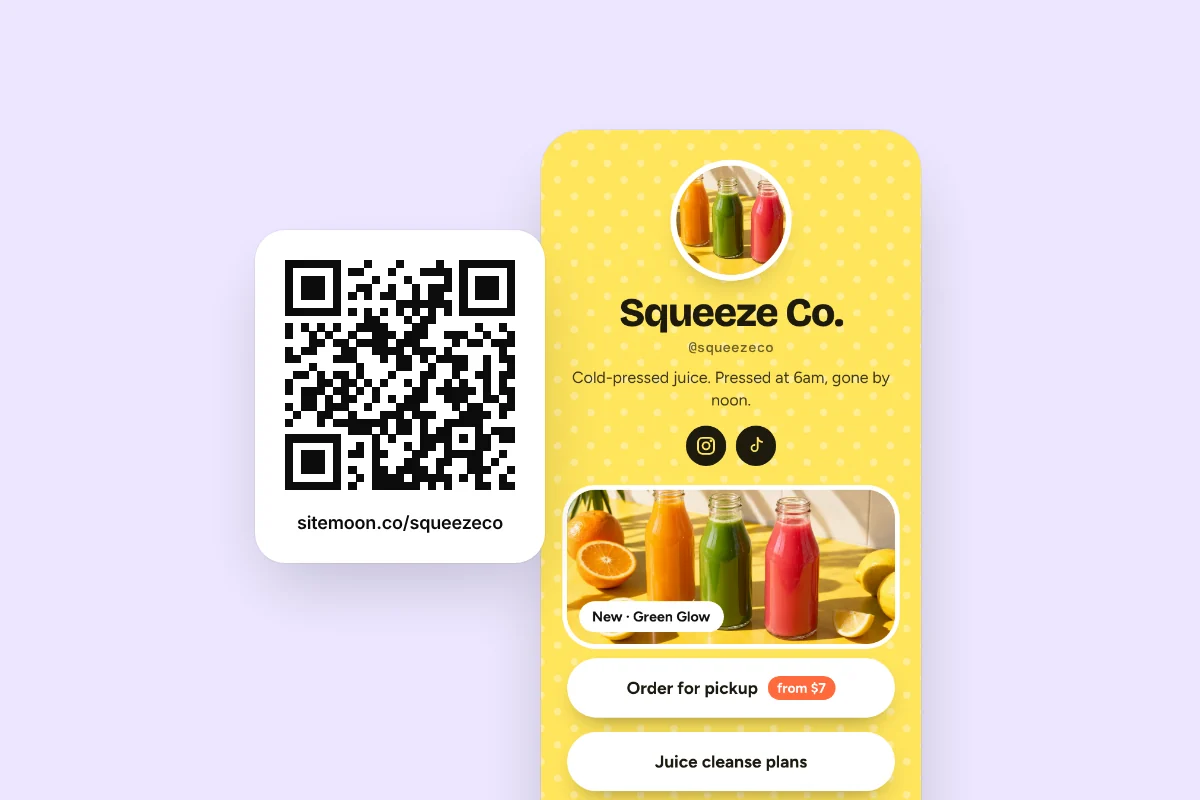
Download your QR code and put it everywhere people wait: on the counter, on table cards, on receipts and in the window. Visits from the QR code show up as their own source in your stats, so you can see how many people scan.
Keep it current
An out of date page is worse than none. If your hours change for a holiday, change them on your page the same day. If an event has passed, an Event block hides itself, so you don't have to remember.
Check your stats once a week
Look at which links get tapped. If almost nobody taps Directions, maybe most visitors are locals and you can move it down. If the menu is the top link by far, make sure it's the first thing people see.
A simple example
Here's a page that works for a small café:
- Name and photo of the storefront
- Bio with hours and address
- Order for pickup
- See the menu
- Gallery of four photos
- Find us
- Thursday live music event
Simple, fast and it answers every question a hungry person has.
Try it on your page
Free, and ready in about a minute.