
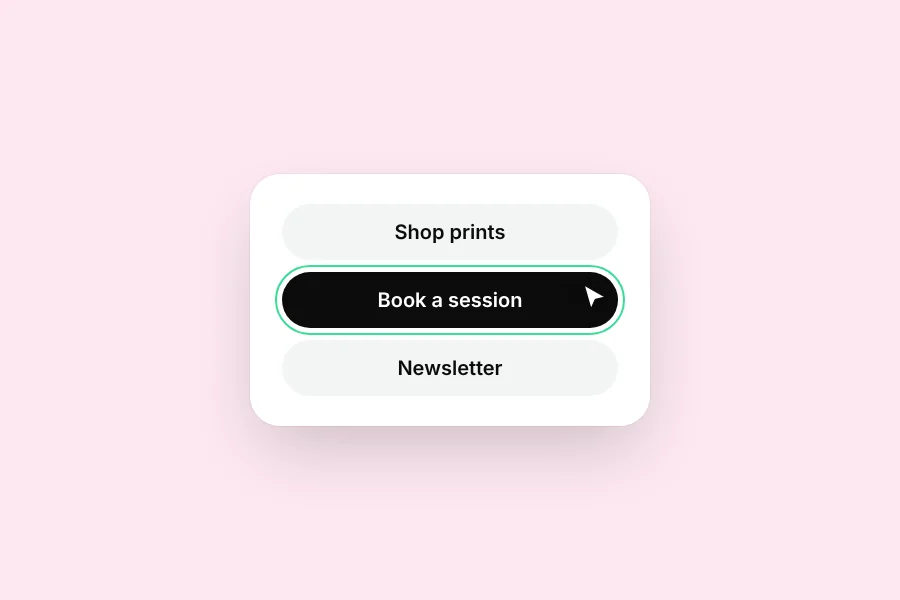
Button styles
Change every button at once, or just one.
Tap any button on your page and choose All buttons or Just this one.
What you can change
- Style, like Flat, Shadow, Outline or Glass
- Fill color and text color
- Corner shape and size
- What sits at the end: nothing, an arrow or an arrow box
Pro11 extra styles, like Neon, Holo and Ticket, come with Pro.
Was this helpful?