
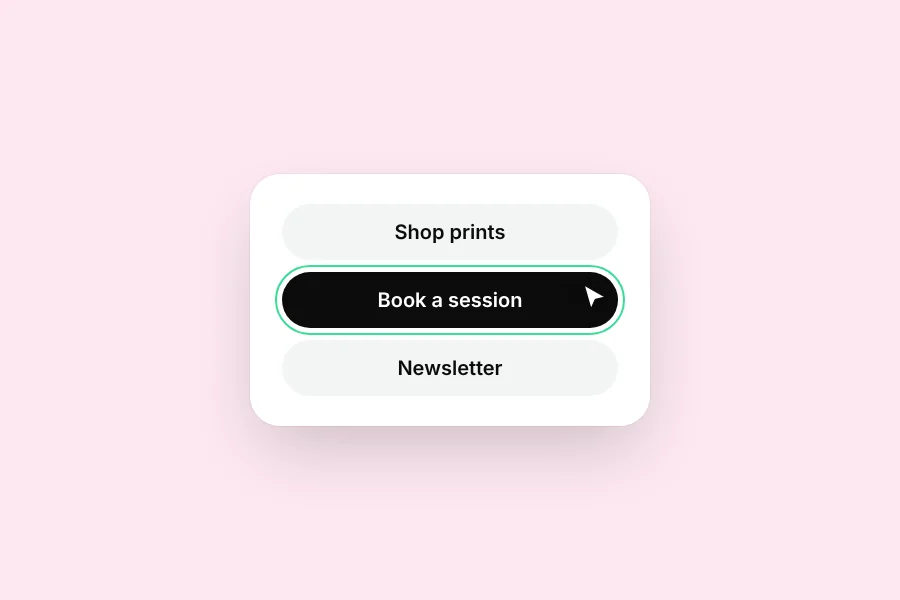
Blocks
Every block you can put on your page.
Blocks are the pieces of your page. Tap one to edit it.
The list
- Link: a button to any address.
- Header: a small title above a group of links.
- Text: a short paragraph.
- Gallery: a grid of photos people can tap to enlarge.
- Video: a YouTube or TikTok video that plays on your page.
- Music: a Spotify, Apple Music, YouTube Music or SoundCloud player.
- Countdown: counts down to a date and time.
- Event: a date, place and ticket link. It hides itself after the event.
- Schedule: your opening hours or weekly times.
- Sign-up: collects email addresses (Pro).
Was this helpful?